
Internal linking is often one of the simplest areas where content websites lose effectiveness. Not because it’s overly complex, but because many neglect it—either adding links as an afterthought or ignoring them altogether.
You create a blog post, publish it, and move on to the next. That post remains isolated, without connections to your broader content, limiting its potential to boost your traffic and improve your SEO.
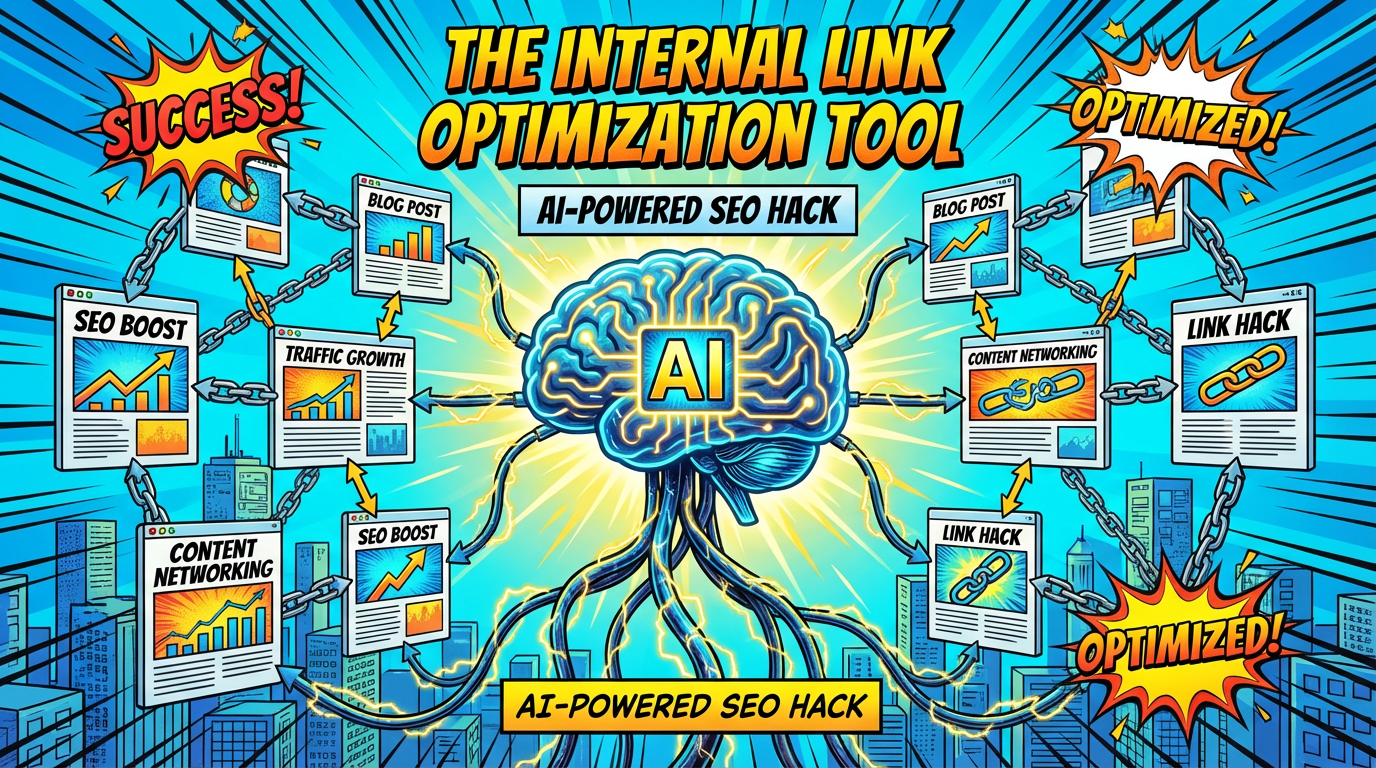
The Internal Link Optimization hack leverages AI to visualize how your existing content pieces connect with your current writing. By providing a list of your published posts, the AI can suggest where to link from your new article and identify points within your older posts to add backlinks to the new content. This process turns isolated articles into a cohesive content network that keeps visitors engaged and signals depth to search engines.
This strategy is more impactful than many realize. Internal links enhance user engagement by encouraging visitors to explore more pages, which can improve conversion rates. They also transfer authority across pages, strengthening your overall SEO performance.
A fresh article with five relevant internal links to previous posts typically outperforms the same content published without such links in search rankings. Using AI for mapping makes this process quick and effortless, requiring almost no additional time.
How to Build Your Content Inventory
Before implementing this hack, you need to give the AI a clear picture of your existing content. It can’t recommend internal links without knowing what you’ve already published. The first step is creating a straightforward content inventory—just a list of your posts with titles and URLs.
If your site has up to twenty or thirty posts, list them all. For larger sites with hundreds of posts, focus on those most relevant to your current topic. Grouping content by categories or themes can help the AI make more precise suggestions. Keep the list simple: a numbered list with each post’s title and URL per line.
Maintain this list in a document you update regularly—whenever you publish new content, add it. Over time, this inventory becomes an invaluable resource for this hack and many other content marketing activities. Spending just five minutes weekly to update it can save hours of manual linking effort later.
PROMPT:
I need help mapping internal links for my content. Here’s what I’m working with: New content I’m publishing: Title: [TITLE OF YOUR NEW POST] Topic: [BRIEF DESCRIPTION OF WHAT IT COVERS] URL: [URL OR PLANNED URL] My existing content inventory (title and URL for each): 1. [TITLE] — [URL] 2. [TITLE] — [URL] 3. [TITLE] — [URL] 4. [TITLE] — [URL] 5. [TITLE] — [URL] (Add as many as relevant) Please do two things: 1. LINKS FROM NEW TO OLD: Identify 3-7 places in my new content where I should link to existing posts. For each suggestion, tell me: – Which existing post to link to – What anchor text to use (the clickable words) – Where in the new post this link makes sense (which section or context) 2. LINKS FROM OLD TO NEW: Identify 3-5 existing posts where I should add a link pointing to my new content. For each suggestion, tell me: – Which existing post to add the link in – Suggested anchor text – A brief note about where in that existing post the link fits naturally
AI will generate specific, actionable recommendations. For instance, it might suggest linking to your guide on setting up an autoresponder when discussing the technical aspects of creating a welcome sequence.
It could recommend linking to your email copywriting article when talking about crafting effective welcome emails. Additionally, it might highlight your subject line formulas post as a relevant resource when addressing dull or ineffective subject lines.
Conversely, for old-to-new links, AI may advise adding a sentence in your list building post like “Once you’ve built your list, avoid these common welcome sequence mistakes” with a link to your new content. It might also suggest integrating a reference to your autoresponder setup guide and explaining potential issues that can arise after initial setup, linking back to the new article.
Every suggestion will include precise anchor text and context, so you’re not guessing where to place links. You’re following a carefully crafted map that ensures topical relevance and smooth reader experience.
Building a Sustainable Internal Linking System
The true power of this method grows over time. Each new post gets connected through internal links to relevant existing articles. After several months of consistent effort, your site will feature a rich internal link structure that encourages visitors to explore more and signals authority to search engines. Most niche websites overlook this, so adopting it offers a notable competitive edge.
Make this a standard step in your publishing workflow. Before launching each new post, run the Internal Link Optimization prompt. Dedicate ten minutes to incorporate the suggested links into both your new article and older content.
Done regularly, this small investment creates a powerful network of internal links that directs traffic to older posts and elevates your newest content’s visibility.
It’s also beneficial to revisit your top-performing posts—run them through this process as if they were fresh content. This often uncovers overlooked linking opportunities. Updating older content with new internal links can lead to increased search traffic, as search engines recognize the improved internal structure.
Be cautious not to force links where they seem unnatural. AI is adept at identifying relevant connections, but not every suggestion will fit seamlessly. Use your judgment: if a link feels forced or disrupts the flow, skip it. The goal is helpful, natural links that benefit your audience rather than random link stuffing.
Quick tip: Keep a simple spreadsheet tracking your internal links. Use two columns: one for the source URL and one for the destination URL. This visual map helps identify orphan pages with no links and hub content that may be overlinked. A balanced internal link profile supports better SEO and user experience.